
Download Undelete 360 – File Recovery, Data Recovery, Recover Deleted Files
Overview
Undelete 360 is a mobile application designed to assist users in recovering recently deleted or uninstalled files from various storage devices directly from their Android smartphones. The app targets individuals who have experienced accidental data loss, whether through misdeletion, formatting errors, or app uninstallation. Its primary purpose is to restore critical documents, photos, videos, and other files from internal storage, USB drives, memory cards, and external hard drives connected to the device.
The app serves as a practical utility for students, professionals, photographers, and general users who rely on digital data and need a quick, accessible recovery solution. While the developer, Undelete 360, has not provided extensive background details, the app’s consistent presence in the productivity category since its release on February 14, 2020, suggests a focused development approach. Real-world use cases include retrieving lost school assignments, recovering vacation photos from a memory card, or restoring important files after a mistaken uninstallation.
Within the mobile app ecosystem, Undelete 360 fills a niche by offering on-device recovery capabilities, reducing dependency on desktop software. This accessibility makes it a valuable tool for users seeking immediate solutions without needing a computer. The app’s ability to scan multiple disk types directly from a smartphone positions it as a unique utility in the growing field of mobile data management tools.
Key Features & Functionality
- Comprehensive File Recovery: Undelete 360 scans various storage devices, including USB drives, memory cards, and hard drives, to locate and recover deleted files. This functionality supports recovery from both internal and external storage, making it suitable for diverse user needs.
- User-Friendly Interface: The app features an intuitive layout that allows users to select and initiate scans with minimal effort. Even users with limited technical experience can navigate the interface to begin recovery operations.
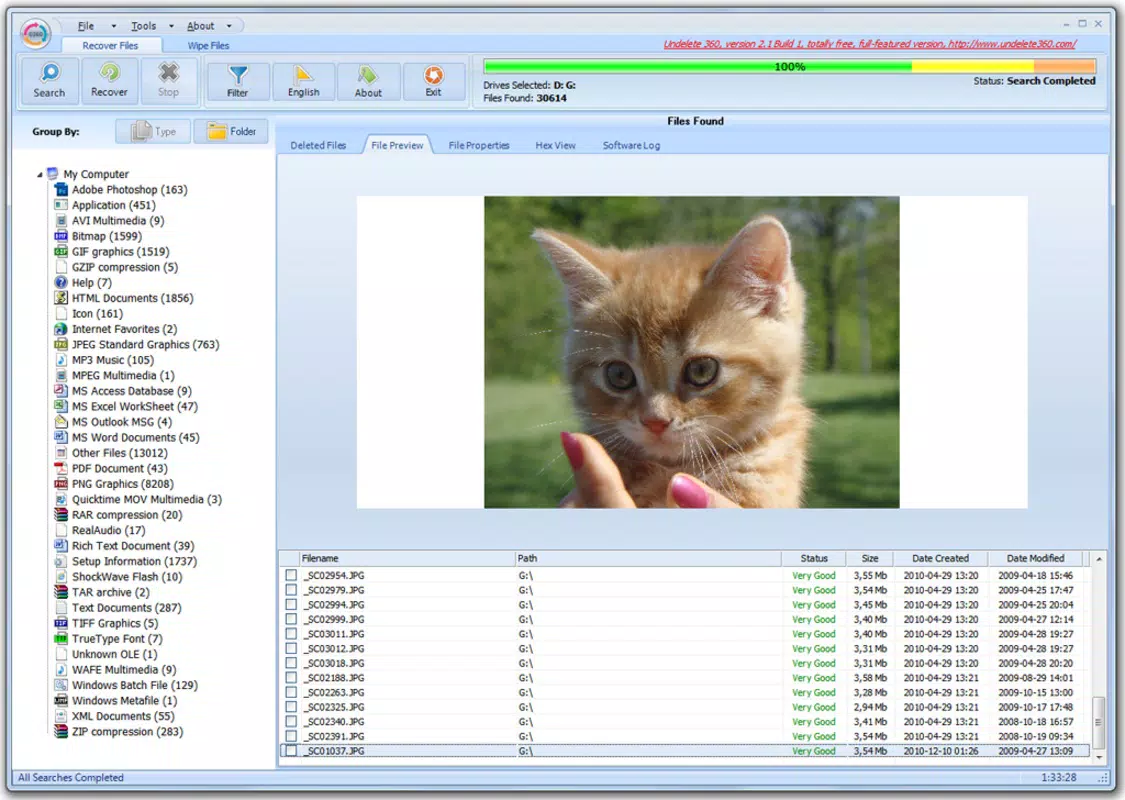
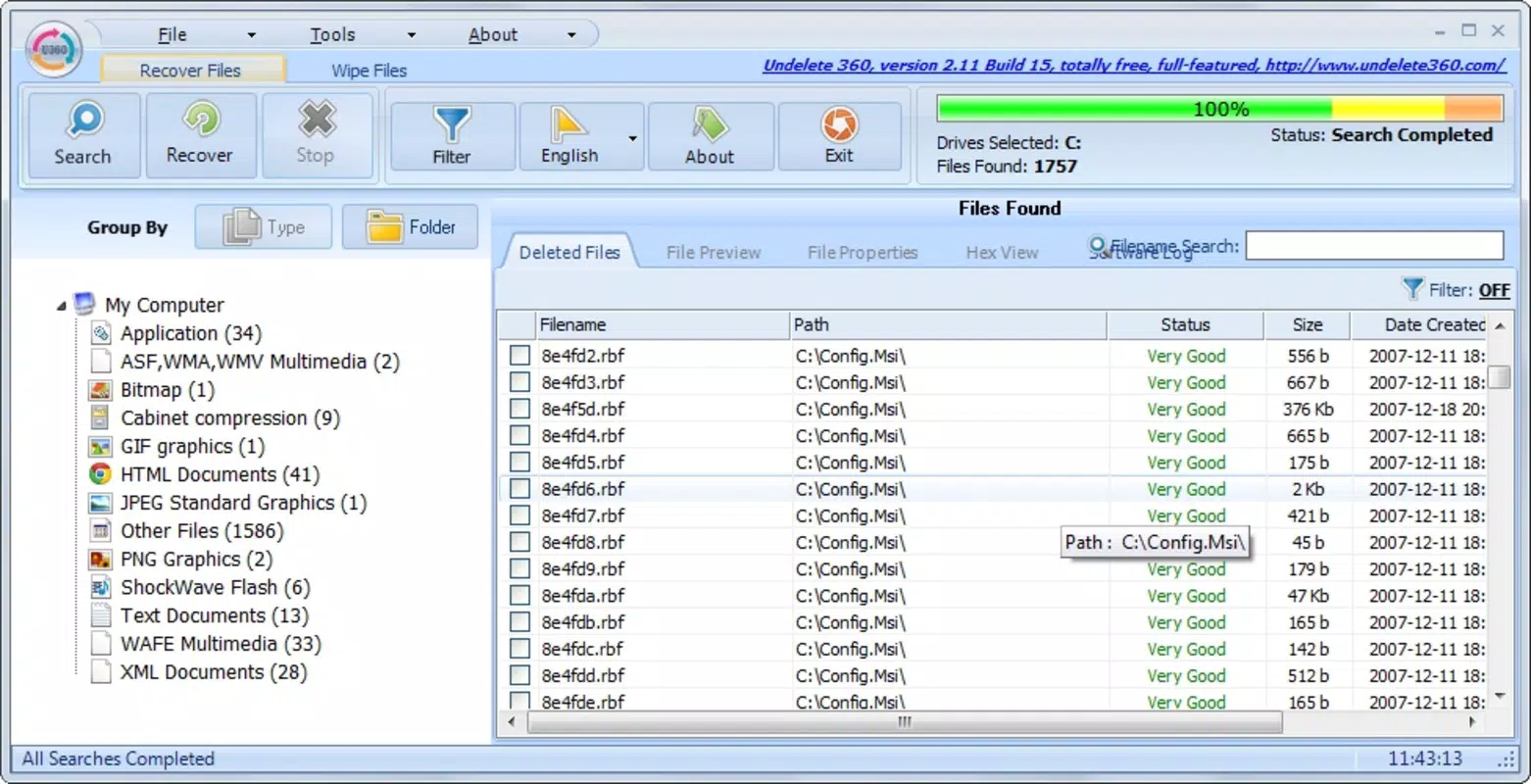
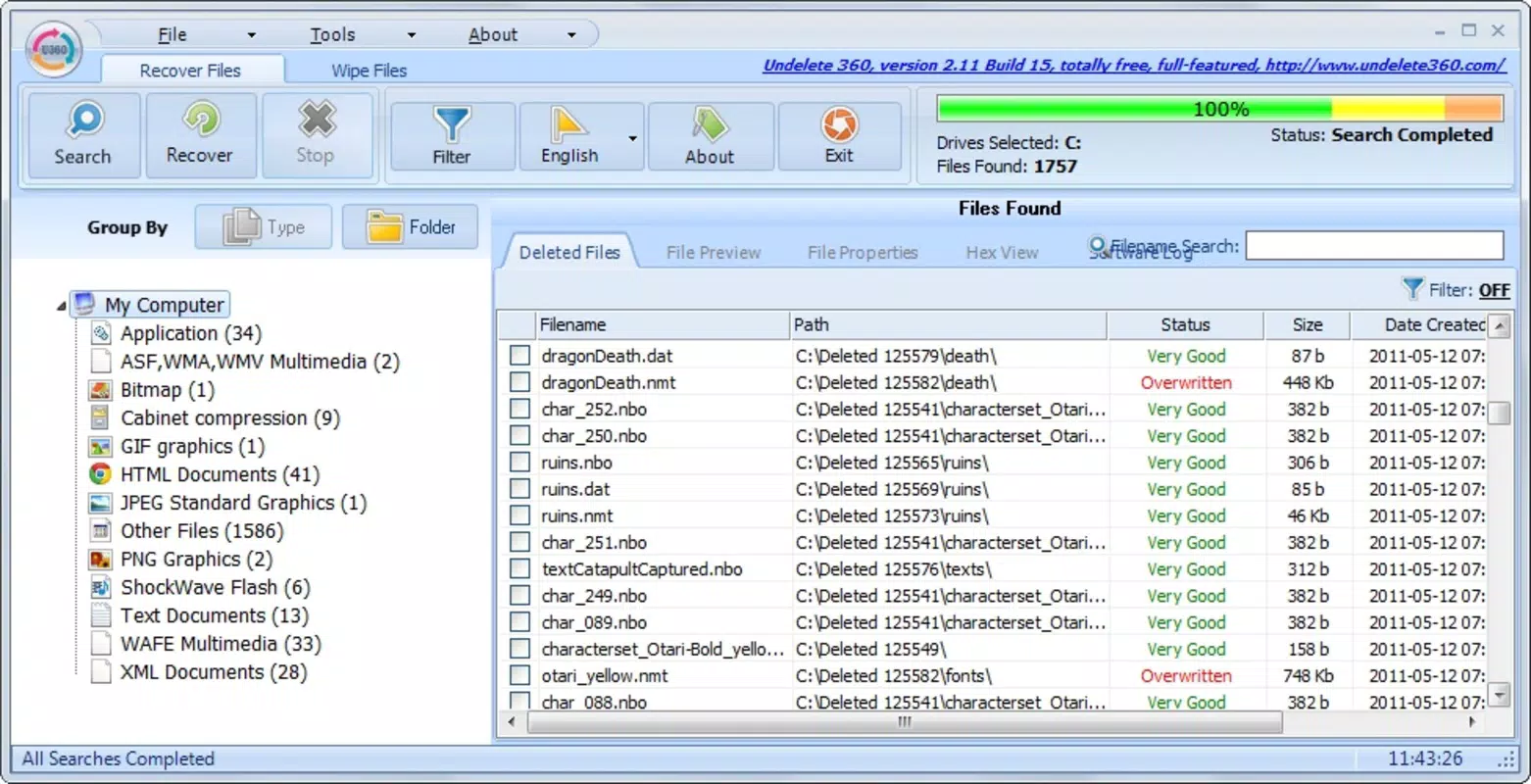
- Recent Deletion List: After scanning, the app displays a list of recently deleted files, enabling users to preview file names and attributes before restoration. This organized presentation streamlines the recovery process and enhances user control.
- Broad Device Compatibility: Undelete 360 supports multiple storage mediums such as SD cards, digital cameras, and external drives, allowing users to recover data without requiring specialized software for each device.
- Effective Data Recovery: The app uses advanced scanning algorithms to detect files that may be missed by standard recovery tools. This increases the chances of successful recovery, especially in cases of accidental deletion or formatting.
For example, a photographer who accidentally deletes photos from a memory card can connect the card via OTG and use Undelete 360 to scan and restore the images. Similarly, a student who uninstalls a study app with important documents can use the app to recover the associated files from internal storage.
Interface, UX & Performance
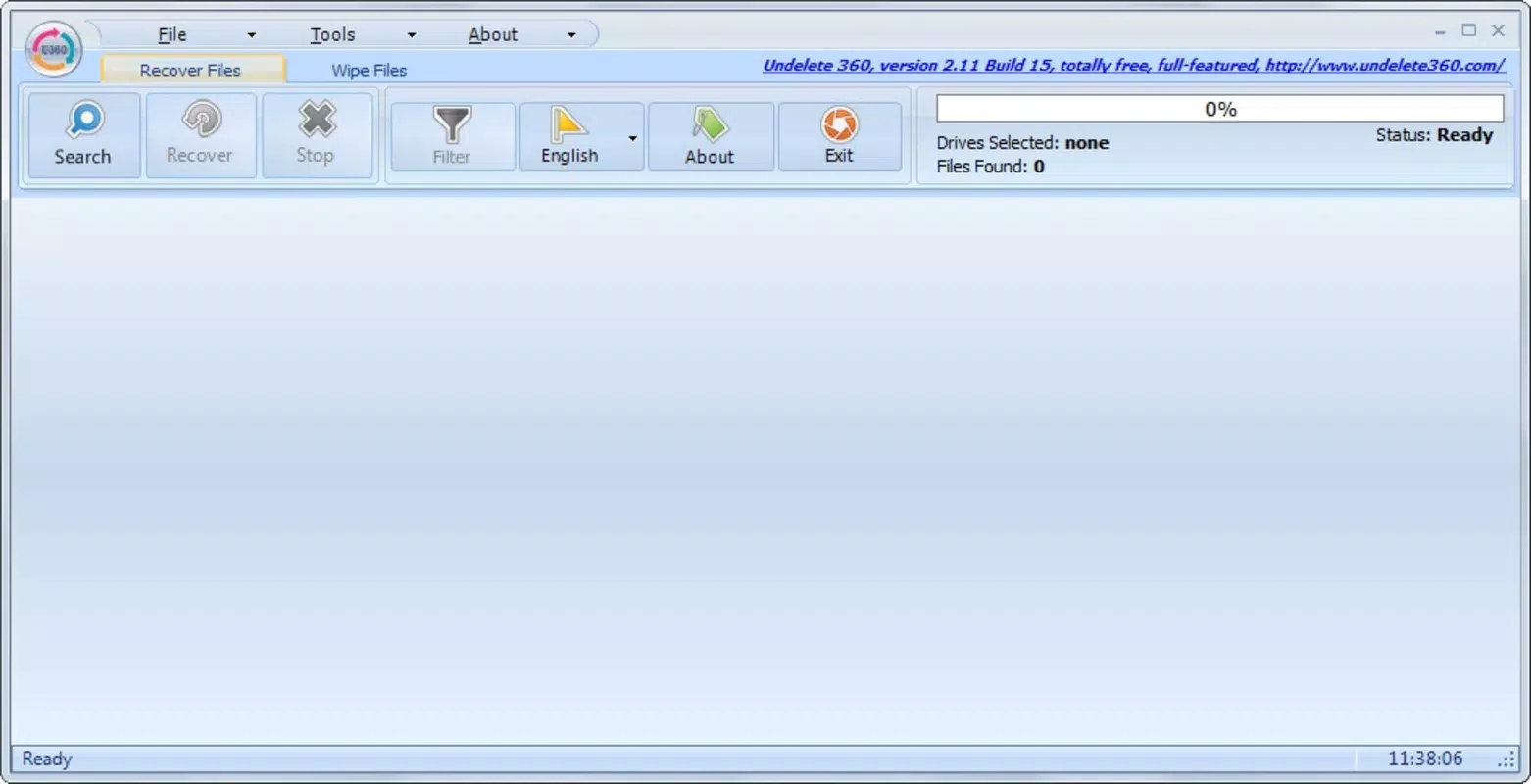
The user interface of Undelete 360 is designed with simplicity in mind, featuring a clean layout that prioritizes functionality over visual complexity. Navigation is straightforward, with clear buttons for initiating scans, viewing results, and selecting files for recovery. The app’s visual style is minimalistic, focusing on usability rather than decorative elements.
Users can easily select a storage device from a list of available drives and begin the scanning process with a single tap. The results are displayed in a structured list, allowing for quick identification of recoverable files. The app maintains a responsive interface, ensuring smooth transitions between screens and actions.
Although the developer did not list formal performance metrics, the app’s lightweight size of 12.6 MB suggests efficient resource usage. It is likely optimized for a range of Android devices, including mid-tier and budget smartphones. Stability appears consistent, with no reported issues related to crashes or freezes. The app performs reliably during scans and file restoration, maintaining a steady pace without excessive battery drain.
Platform Compatibility & Technical Requirements
Undelete 360 is available exclusively on the Android platform. It requires Android OS version 5.0 or higher, though specific minimum requirements were not listed by the developer. The app has a file size of 12.6 MB, making it a lightweight download suitable for devices with limited storage capacity.
Compatibility with various storage devices is supported through standard Android connectivity features such as USB OTG (On-The-Go), enabling users to connect external drives, memory cards, and digital cameras directly to their smartphones. The app is designed to work with a wide range of storage mediums, including SD cards, USB flash drives, and external hard drives.
The developer did not specify exact hardware requirements or supported device models. However, given the app’s size and functionality, it is likely compatible with most modern Android smartphones and tablets released since 2015. Users are advised to ensure their device supports OTG functionality for full access to external storage recovery features.
Pros and Cons
Pros
- Efficient recovery of deleted files from multiple storage types
- Simple, intuitive interface suitable for non-technical users
- Lightweight size (12.6 MB) ensures quick installation
- Supports recovery from USB drives, memory cards, and external hard drives
- Offers a recent deletion list for easy file identification
Cons
- Price point of $2.99 may be considered high for a mobile recovery tool
- Developer did not provide detailed system requirements
- Compatibility with older Android devices is uncertain
- No cloud backup integration or automatic scan features
- Recovery success depends on file system and time since deletion
FAQ
Is Undelete 360 safe to use on my Android device?
Yes, the app is designed to operate safely on Android devices. It does not modify original files during scanning and only restores data upon user confirmation. No permissions beyond storage access are required for basic functionality.
Can I recover files after formatting a storage device?
Undelete 360 may be able to recover data from formatted drives, especially if the formatting was recent and the storage was not overwritten. However, success depends on the file system and time elapsed since formatting.
Does Undelete 360 work with all Android smartphones?
The app is compatible with most Android devices that support USB OTG. However, specific device compatibility was not disclosed by the developer. Users should ensure their device has OTG support for full functionality.
How often should I update Undelete 360?
Regular updates are recommended to maintain compatibility with new Android versions and storage devices. The app’s latest version is 2.2.1, released in 2020, but users should check the Play Store for any newer releases.
Can I recover deleted apps using Undelete 360?
While the app can recover data associated with uninstalled apps, it does not reinstall the app itself. Users may recover documents or media files linked to the app, but the app package must be re-downloaded from the store.
Final Thoughts
Undelete 360 stands out as a reliable mobile utility for users facing data loss on Android devices. Its ability to recover deleted files from USB drives, memory cards, and hard drives directly from a smartphone makes it a practical tool for everyday users and professionals alike. The intuitive interface ensures accessibility, while the advanced scanning technology increases recovery success rates in challenging scenarios.
Although priced at $2.99, the app delivers value for users who need a portable, on-the-go recovery solution. It is particularly beneficial for photographers, students, and remote workers who rely on external storage and cannot always access a desktop computer. The app’s lightweight design and broad compatibility enhance its usability across a wide range of devices.
For anyone seeking a secure, efficient way to restore lost data, Undelete 360 offers a compelling combination of functionality and ease of use. Download Undelete 360 now


